 Trip Tab
It takes a few seconds, then you can forget about it.
Add it as you go
When somebody pays for something, add it to the trip. Type it in, scan the receipt, or ask Siri.
Trip Tab keeps the tab
It keeps the running total for everyone, in whatever currencies you are spending.
Tidy up at home
Trip Tab suggests a simple way to even things out. No sums, and no awkward conversation.
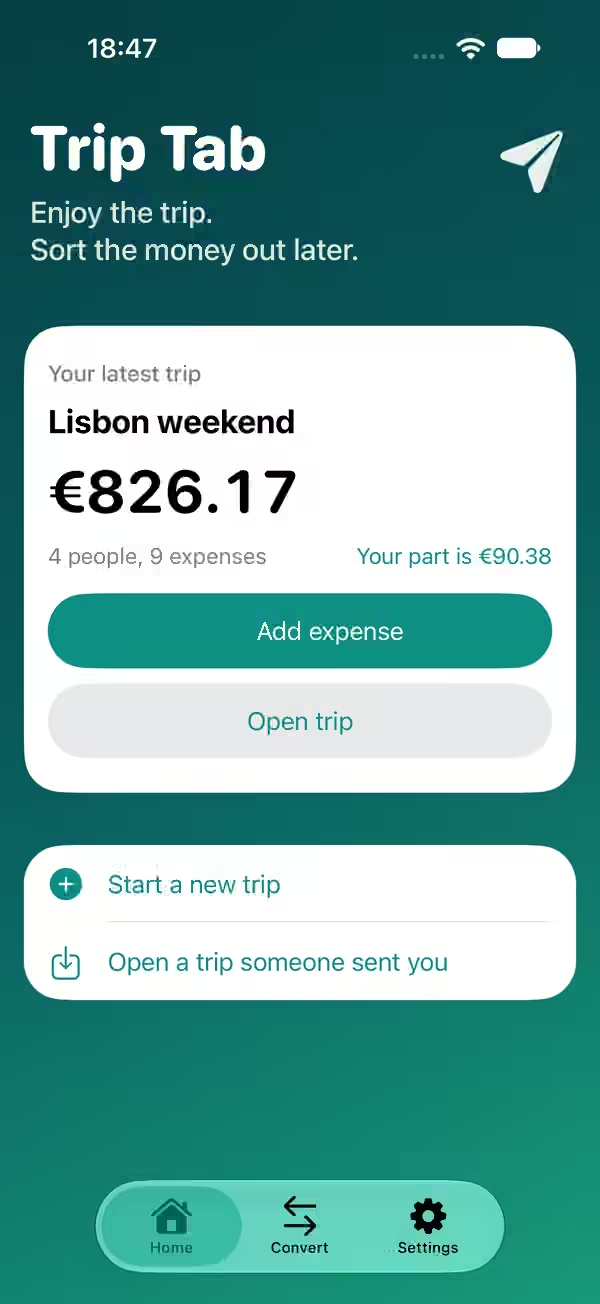
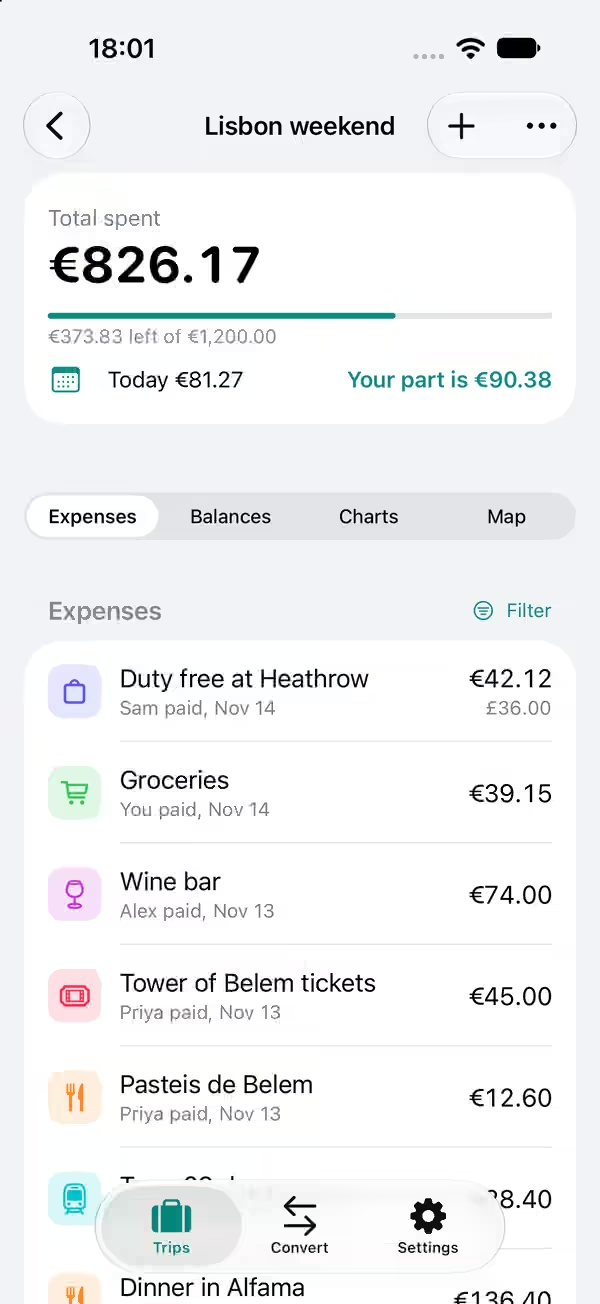
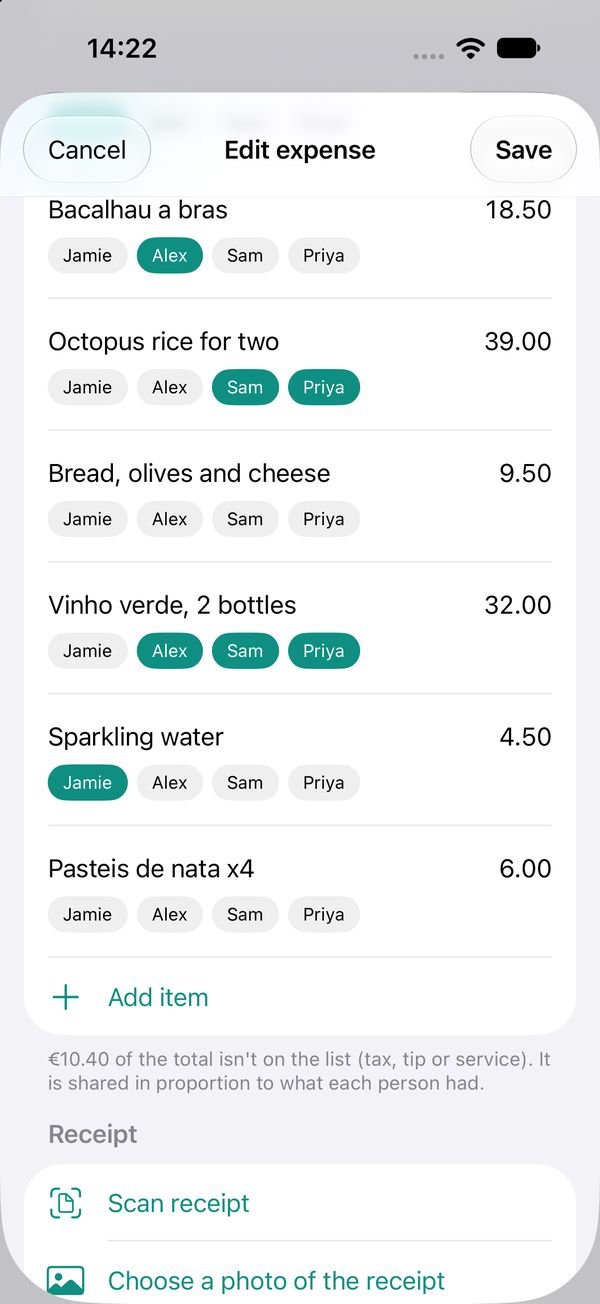
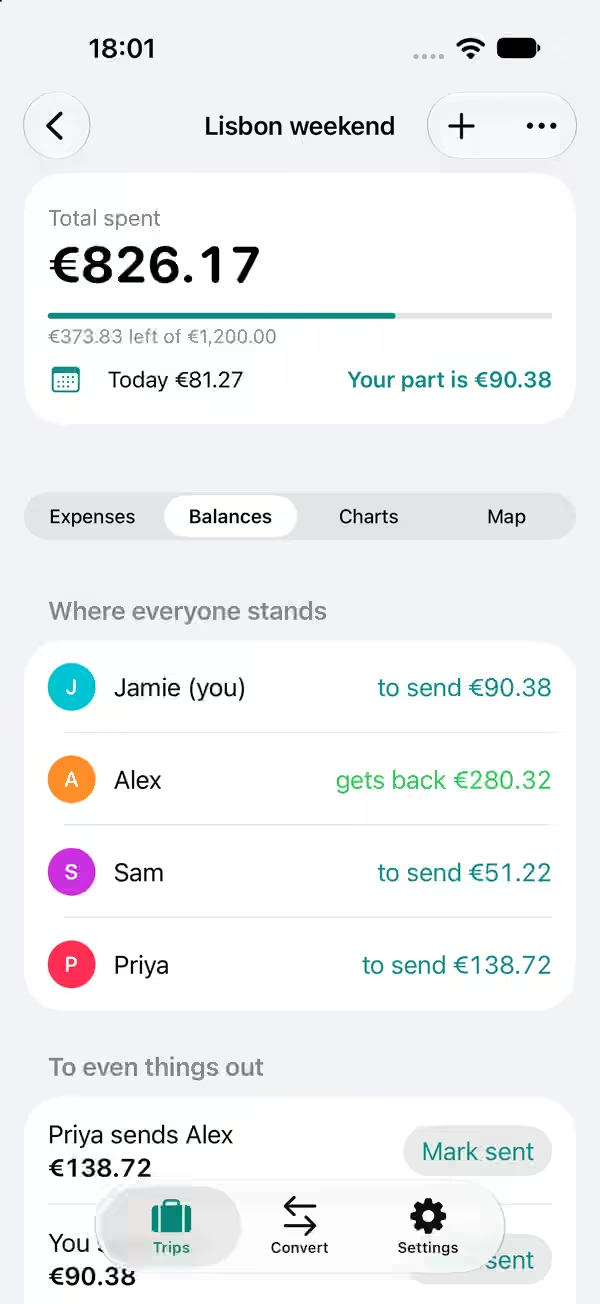
Everything a trip with friends needs.
- Split it however suits
- Evenly, by shares, by exact amounts, or by what each person had.
- Split by the item
- When everyone ordered something different, scan the receipt and tap who had what. Shared plates and the tip take care of themselves.
- Any currency
- Spend in euros, pay back in pounds. Each expense keeps the rate for its day, and you can type the rate you were really charged.
- Share the trip
- Send the trip to a friend so they can add what they paid for. Send it back and the two copies join up.
- See where it went
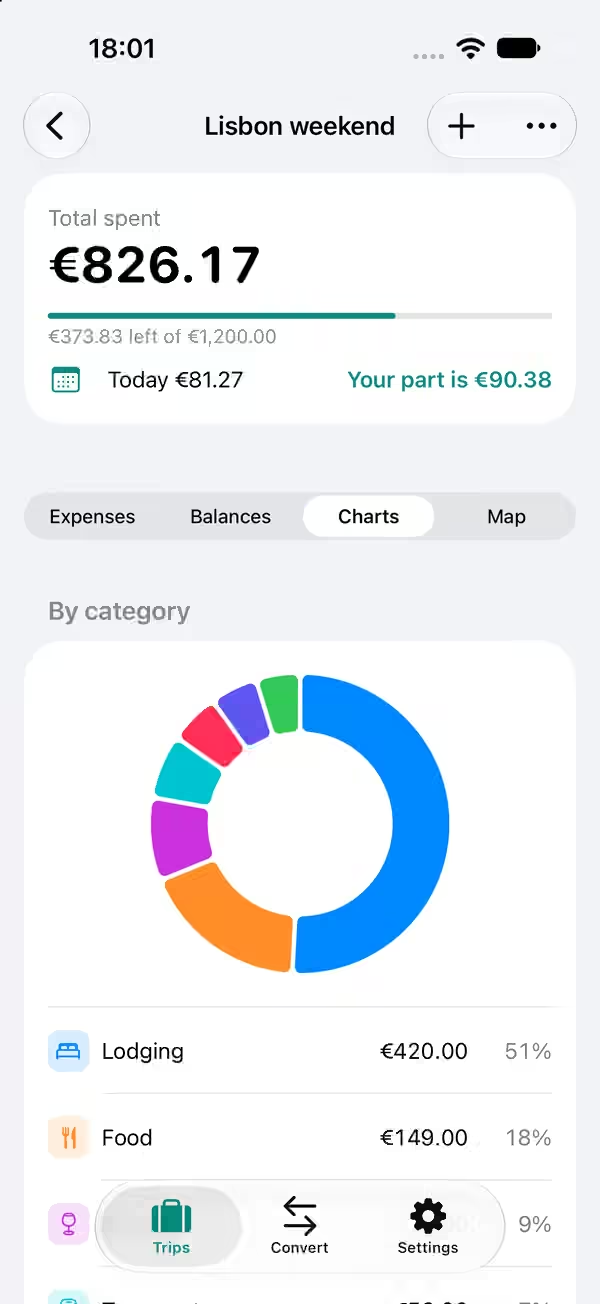
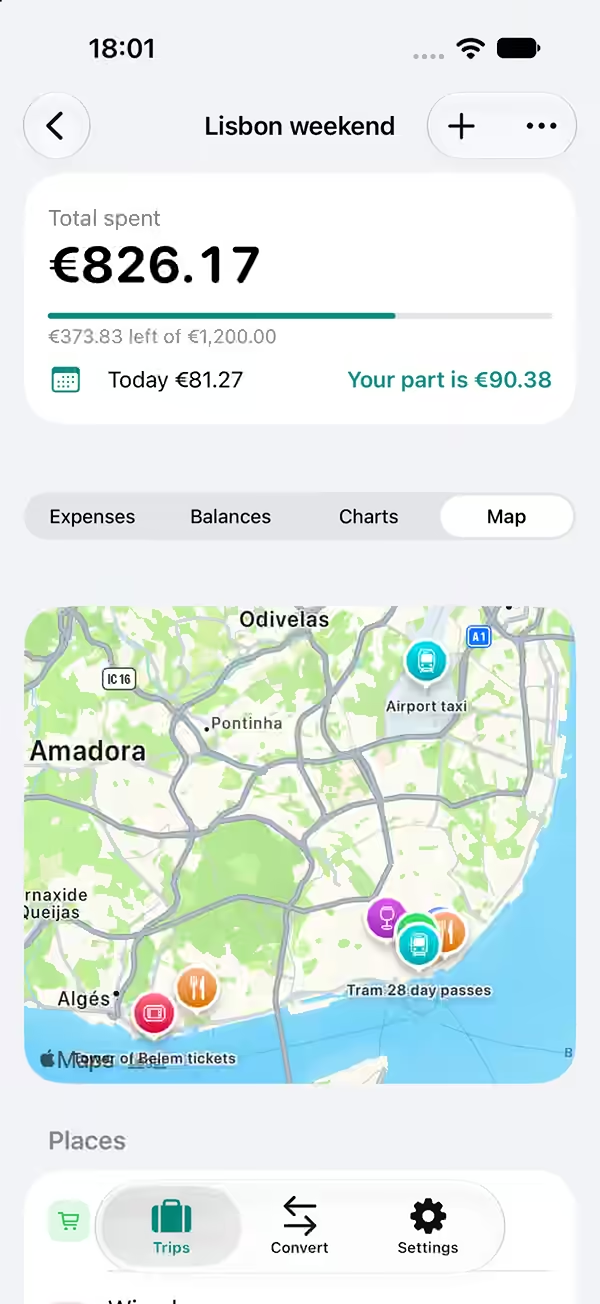
- Charts by day and by category, and a map of the places you went.
- At a glance
- A Home Screen widget shows the trip total, and the trip can sit on your Lock Screen while you are away.
- Keep to a budget
- If you have a budget for the trip, Trip Tab shows how much is left as you go.
- Something to keep
- Save the whole trip as a tidy PDF or a spreadsheet to send round the group.
Your trips are yours.
There are no accounts to set up and no adverts. Trips stay on your own devices and in your own iCloud. Trip Tab only keeps the tab, and it never touches anyone’s money.
Coming soon to the App Store